> ## Documentation Index
> Fetch the complete documentation index at: https://docs.blockscout.com/llms.txt
> Use this file to discover all available pages before exploring further.
# Metrics
## Prometheus
BlockScout is setup to export [Prometheus](https://prometheus.io/) metrics at `/metrics`.
1. Install prometheus: `brew install prometheus`
2. Start the web server `iex -S mix phx.server`
3. Start prometheus: `prometheus --config.file=prometheus.yml`
## Grafana
The Grafana dashboard may also be used for metrics display.
1. Install grafana: `brew install grafana`
2. Install Pie Chart panel plugin: `grafana-cli plugins install grafana-piechart-panel`
3. Start grafana: `brew services start grafana`
4. Add Prometheus as a Data Source
a. `open http://localhost:3000/datasources`
b. Click "+ Add data source"
c. Put "Prometheus" for "Name"
d. Change "Type" to "Prometheus"
e. Set "URL" to "[http://localhost:9090](http://localhost:9090)"
f. Set "Scrape Interval" to "10s"
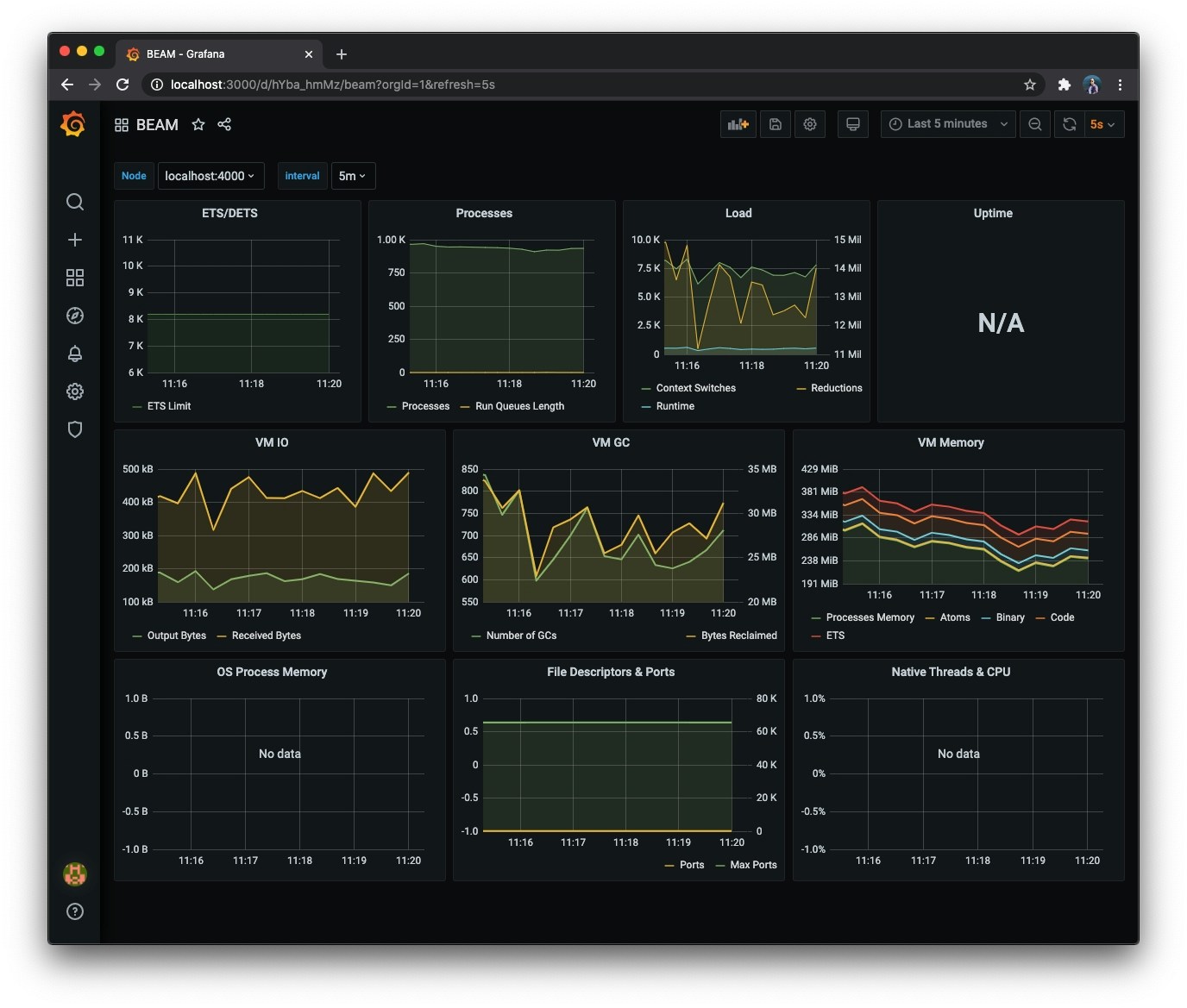
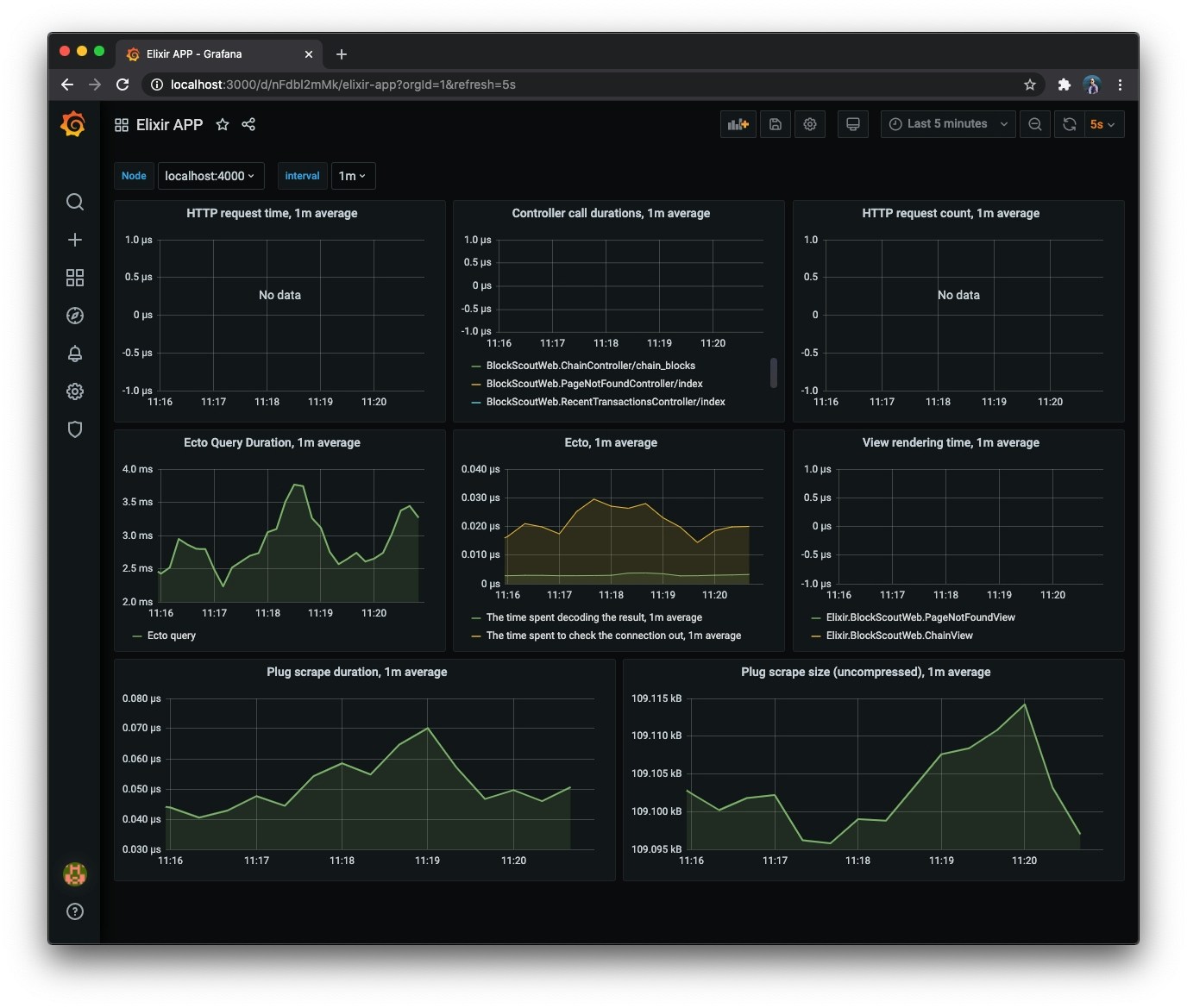
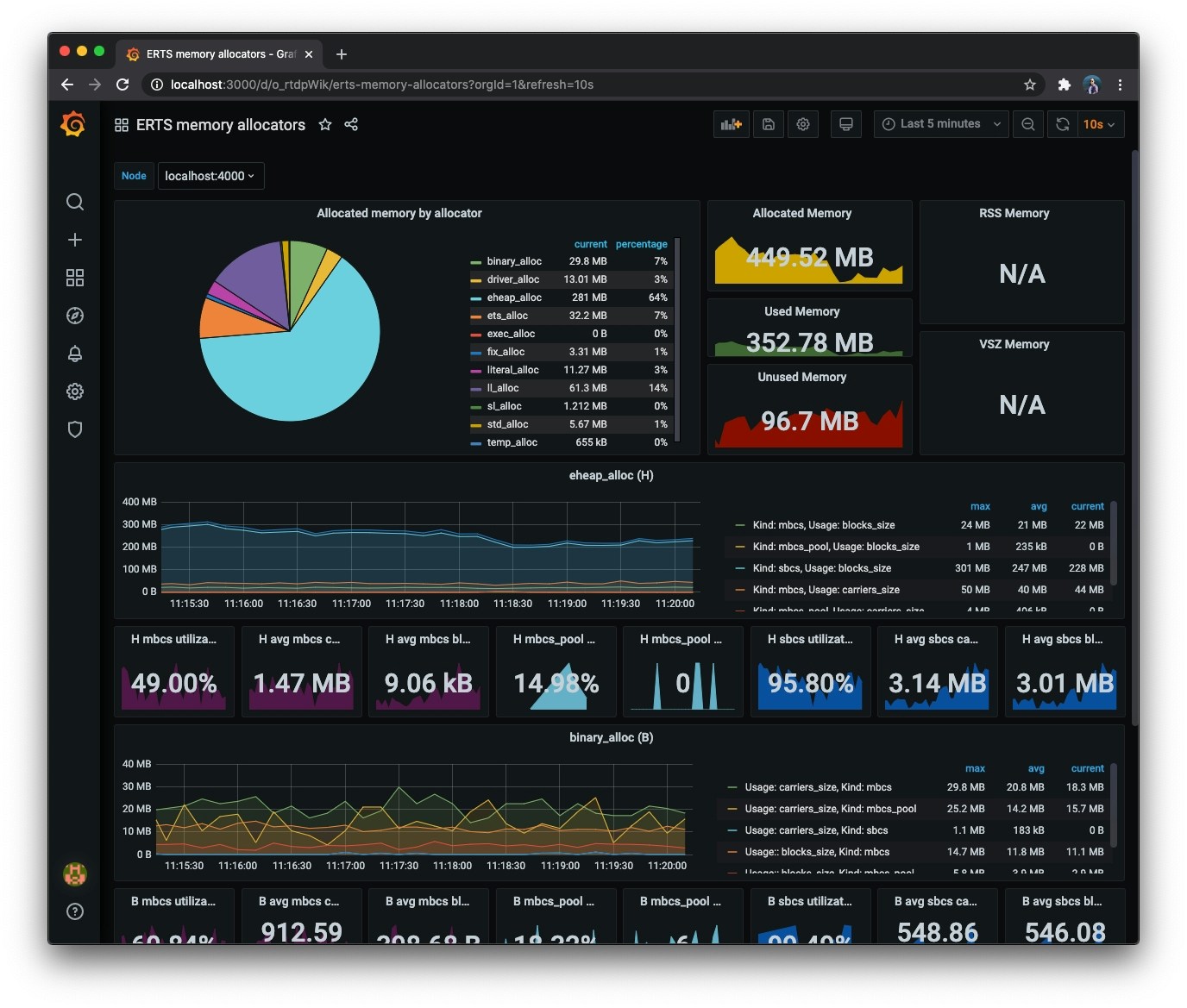
5. Add the dashboards from [https://github.com/deadtrickster/beam-dashboards](https://github.com/deadtrickster/beam-dashboards): For each `*.json` file in the repo.
a. `open http://localhost:3000/dashboard/import`
b. Copy the contents of the JSON file in the "Or paste JSON" entry
c. Click "Load"
6. View the dashboards. (You will need to click-around and use BlockScout for the web-related metrics to show up.)
Examples of dashboards: