> ## Documentation Index
> Fetch the complete documentation index at: https://docs.blockscout.com/llms.txt
> Use this file to discover all available pages before exploring further.
# Reown (Previously WalletConnect) Project ID For Contract Read/Write
The latest versions of Blockscout use Reown (previously WalletConnect) for Read and Write functionality with smart contracts. The frontend variable `NEXT_PUBLIC_WALLET_CONNECT_PROJECT_ID` must be enabled with your project ID for this feature to work.
## Setting up a Reown Project ID
1\) Go to [https://cloud.reown.com/sign-in](https://cloud.reown.com/sign-in) and sign in or create an account.
2\) Create a new Project
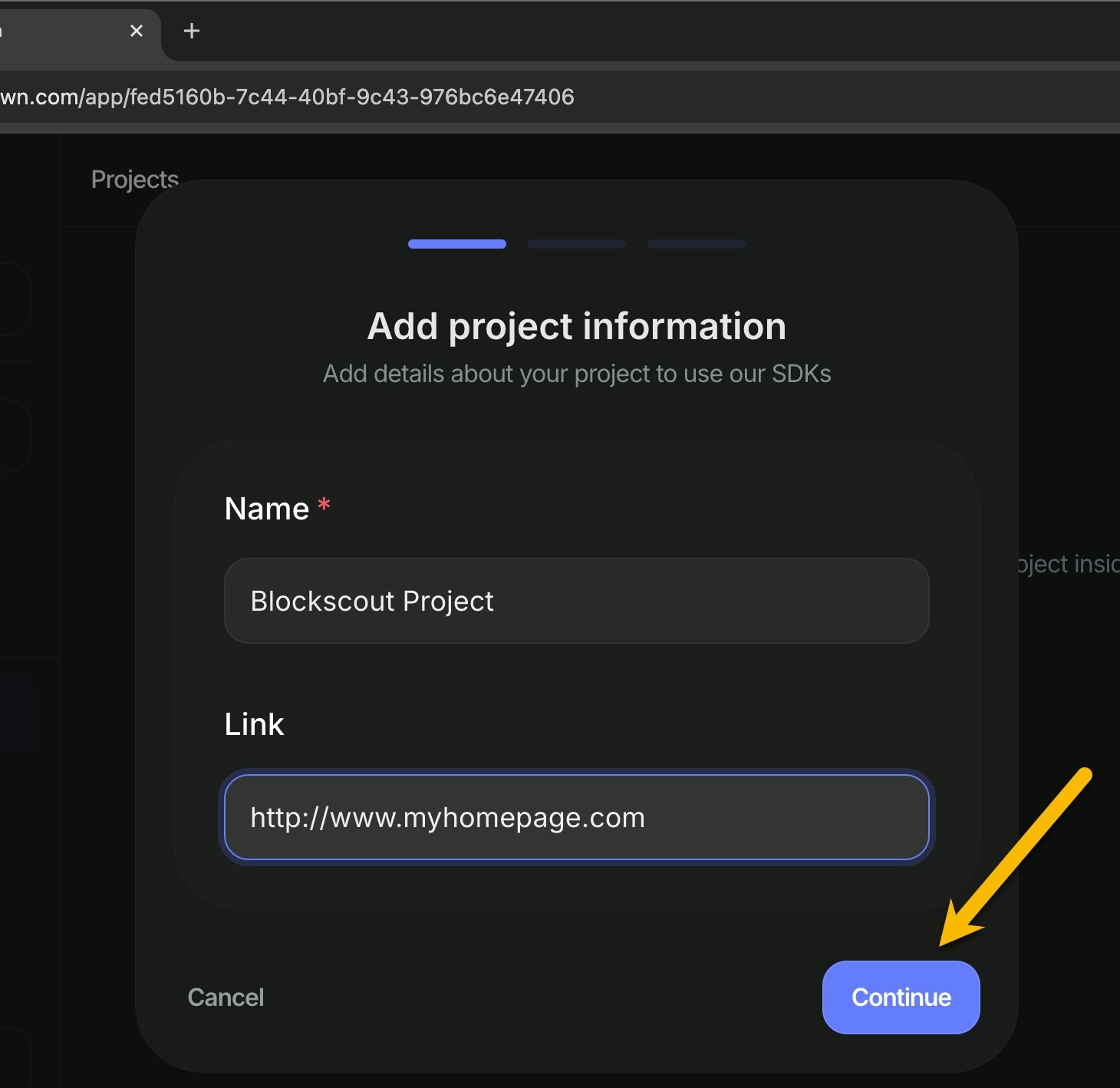
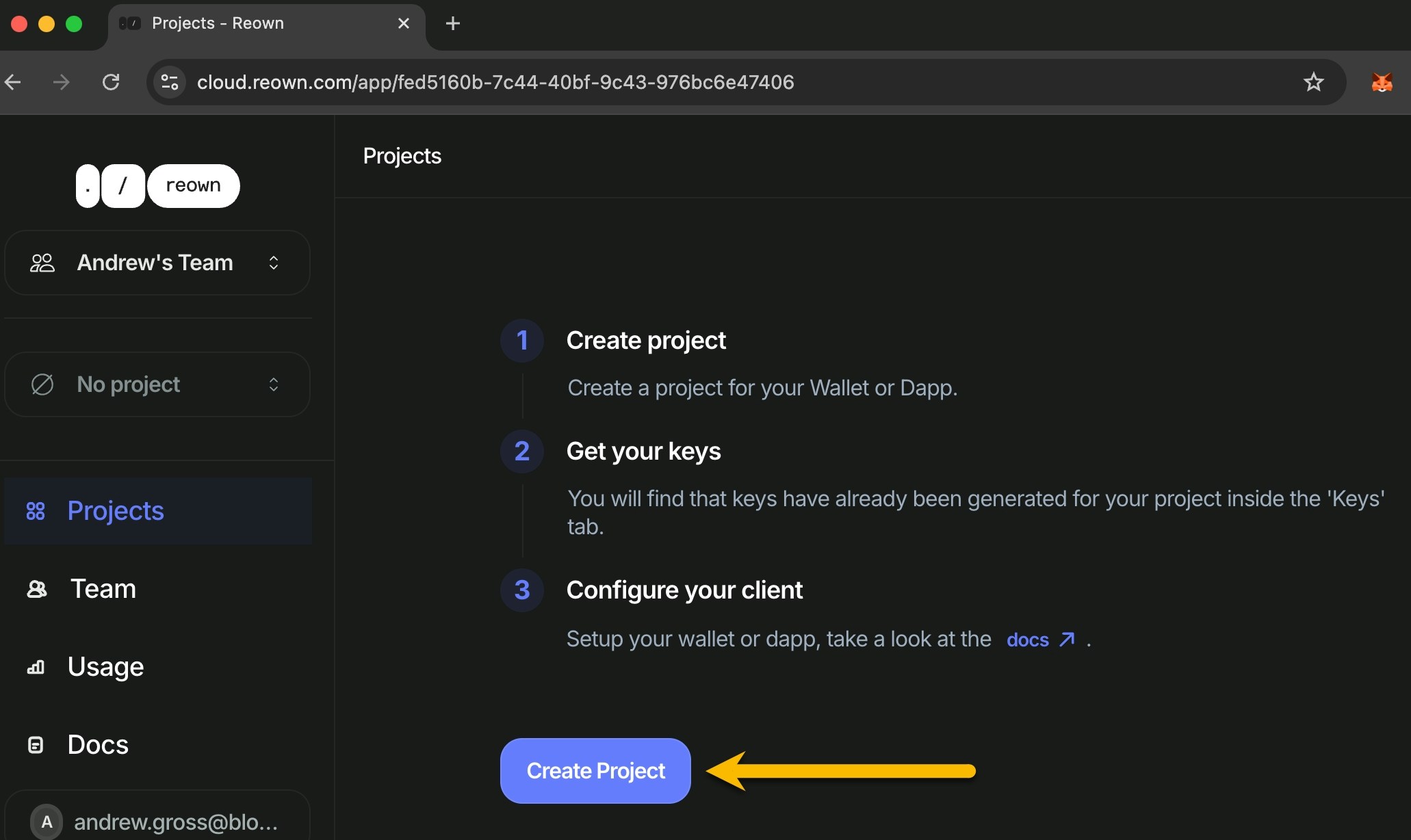 3\) Add your project information (name and project homepage) and click continue.
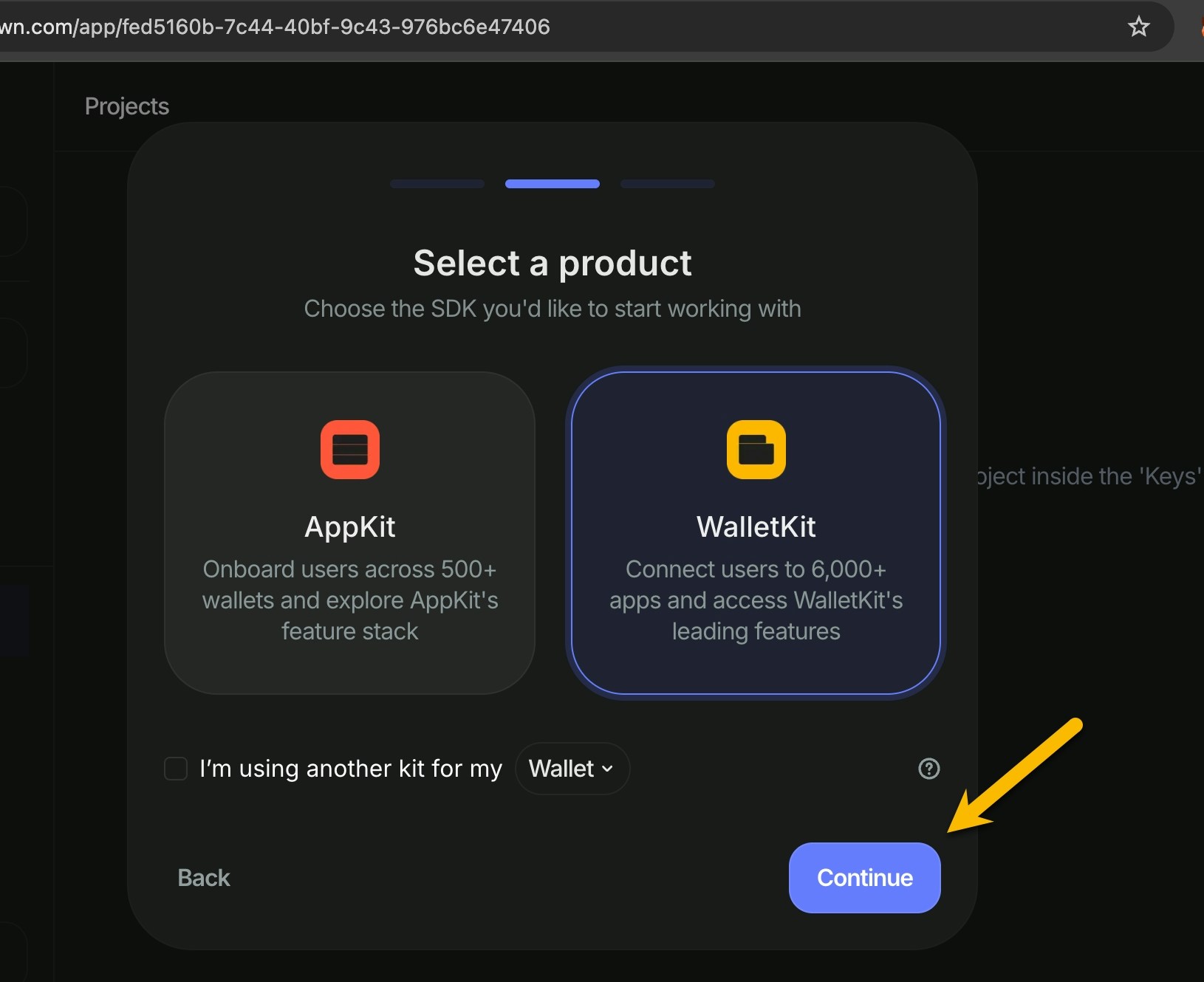
 4\) Select **WalletKit** as the SDK.
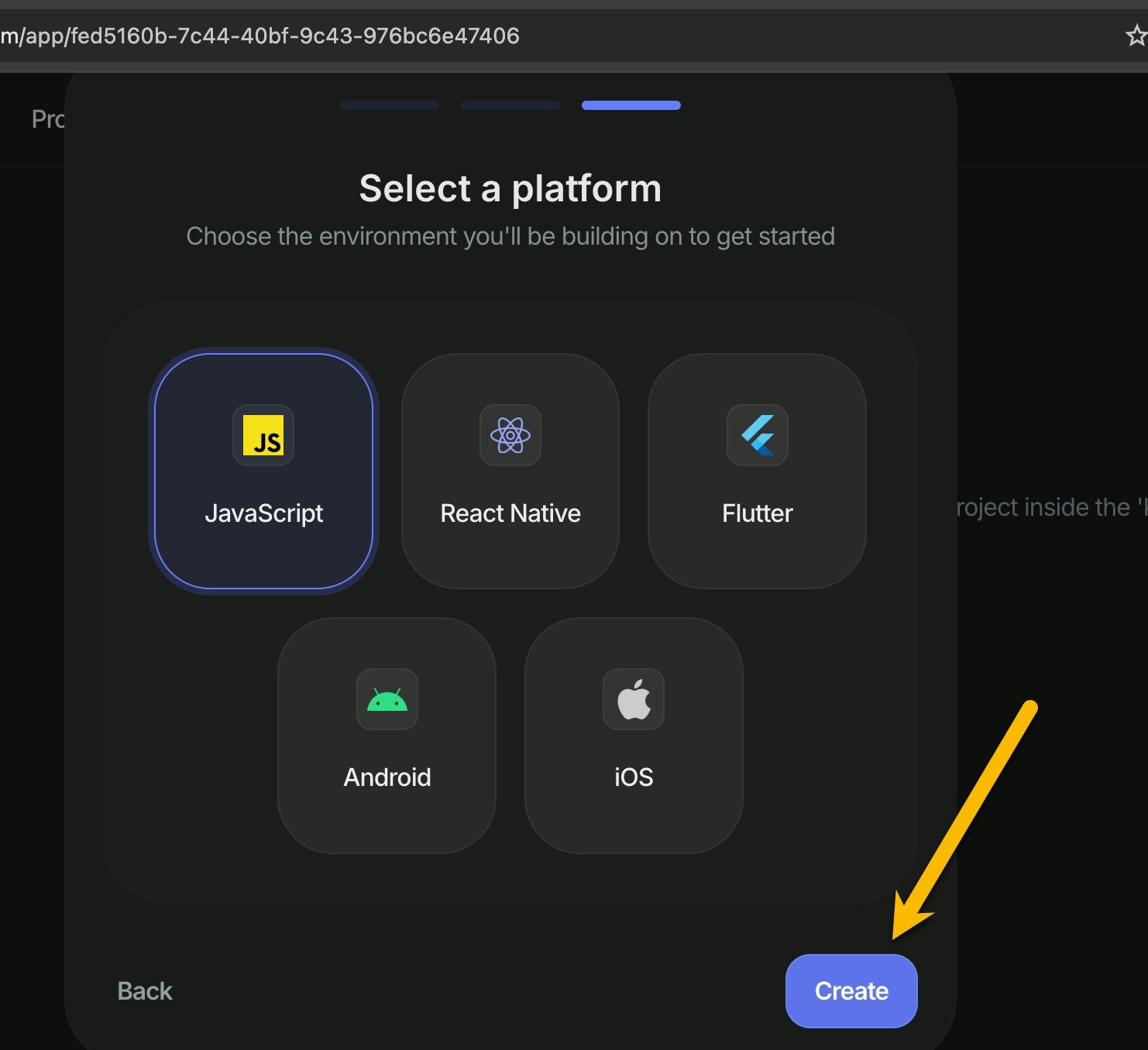
 5\) Select **Javascript** as the platform and create your project.
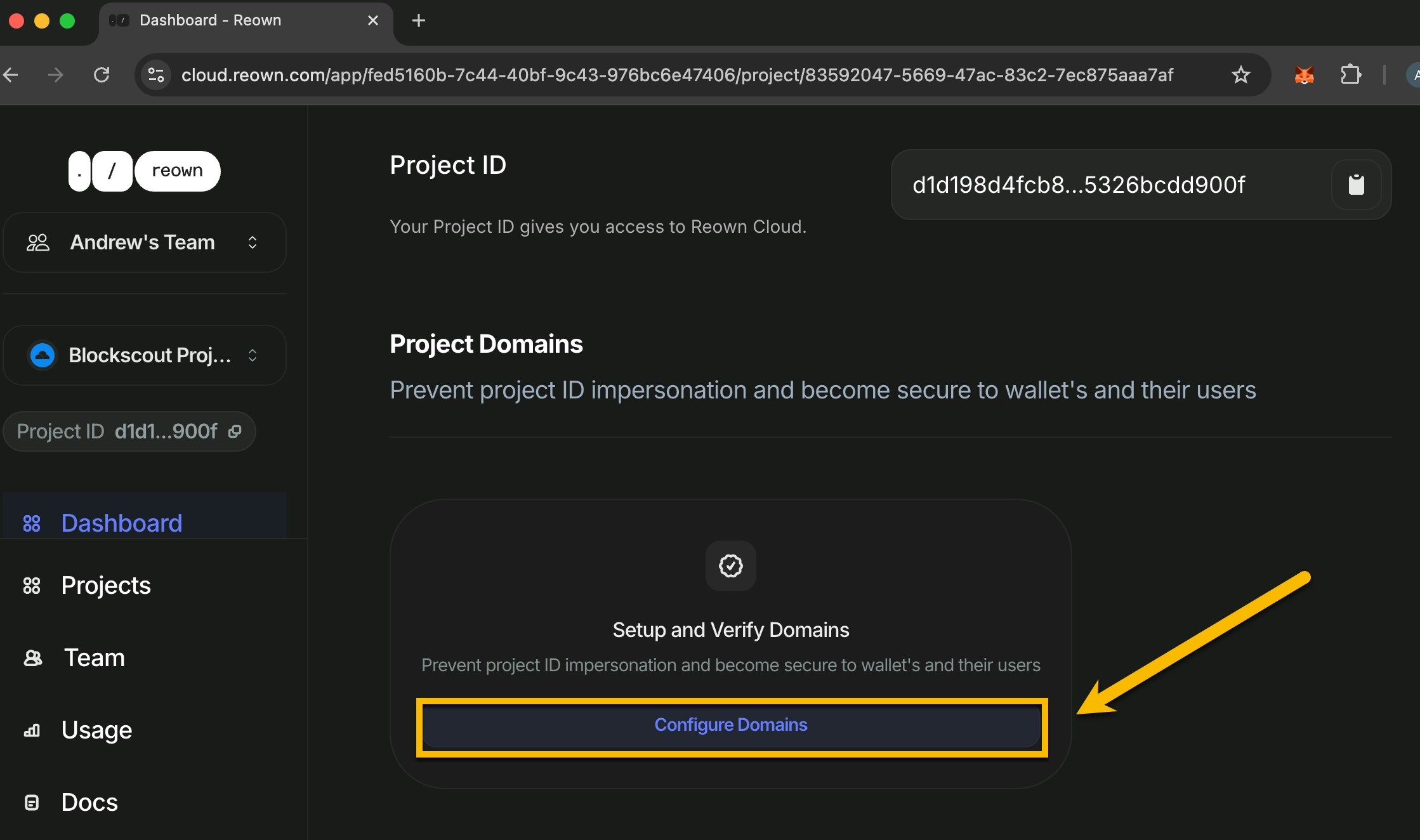
 6\) Scroll down to see your basic information, including your Project ID. Before using, however, **setup Project Domains**. Please include any urls which host your explorer(s) here.
This step is important because the Project ID will be exposed in the browser. Setting allowed domains prevents unauthorized usage of your ID.
6\) Scroll down to see your basic information, including your Project ID. Before using, however, **setup Project Domains**. Please include any urls which host your explorer(s) here.
This step is important because the Project ID will be exposed in the browser. Setting allowed domains prevents unauthorized usage of your ID.
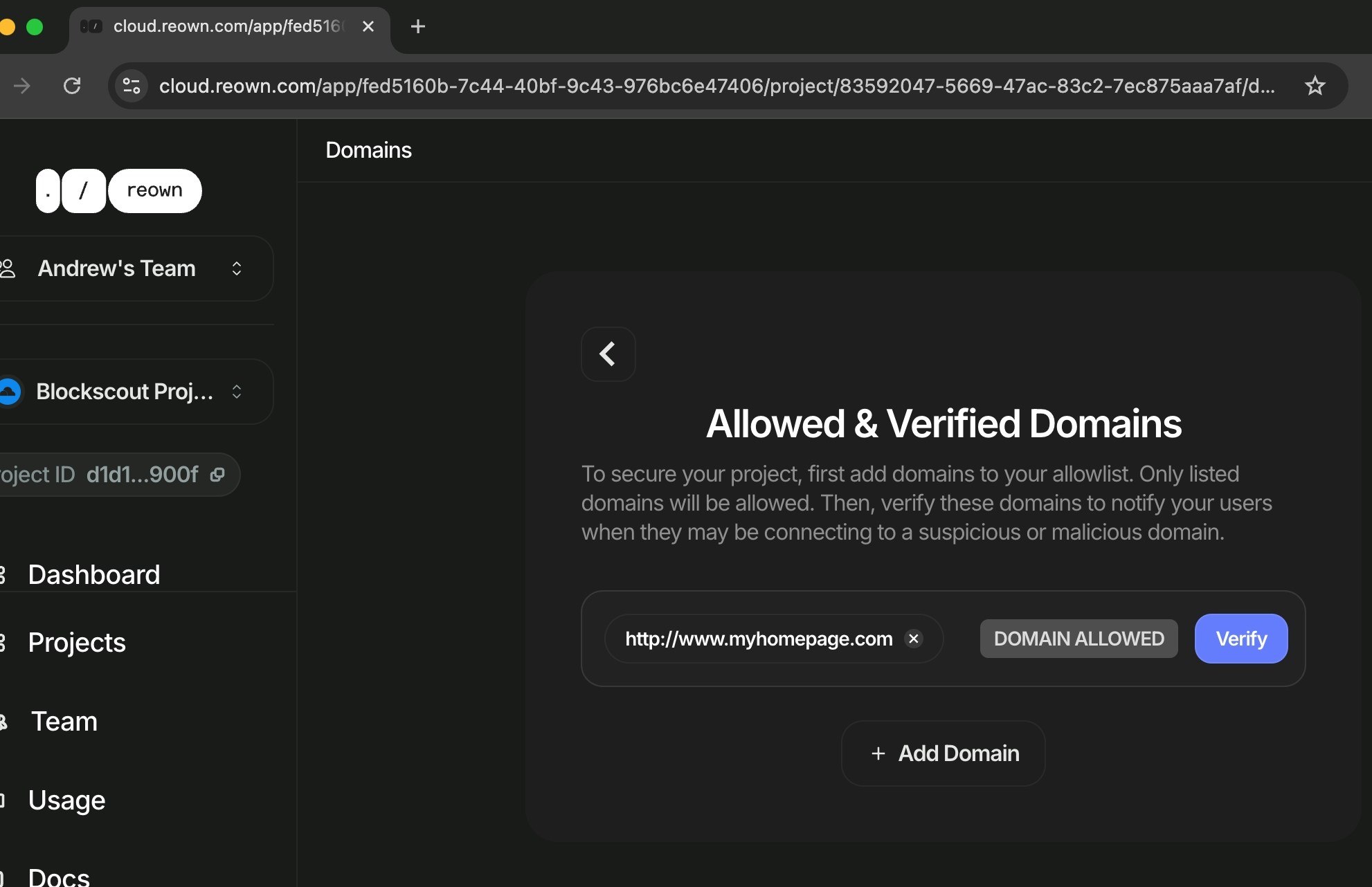
 You can also verify your domain domains. This is not required but is recommended for security. Instructions are included in the interface.
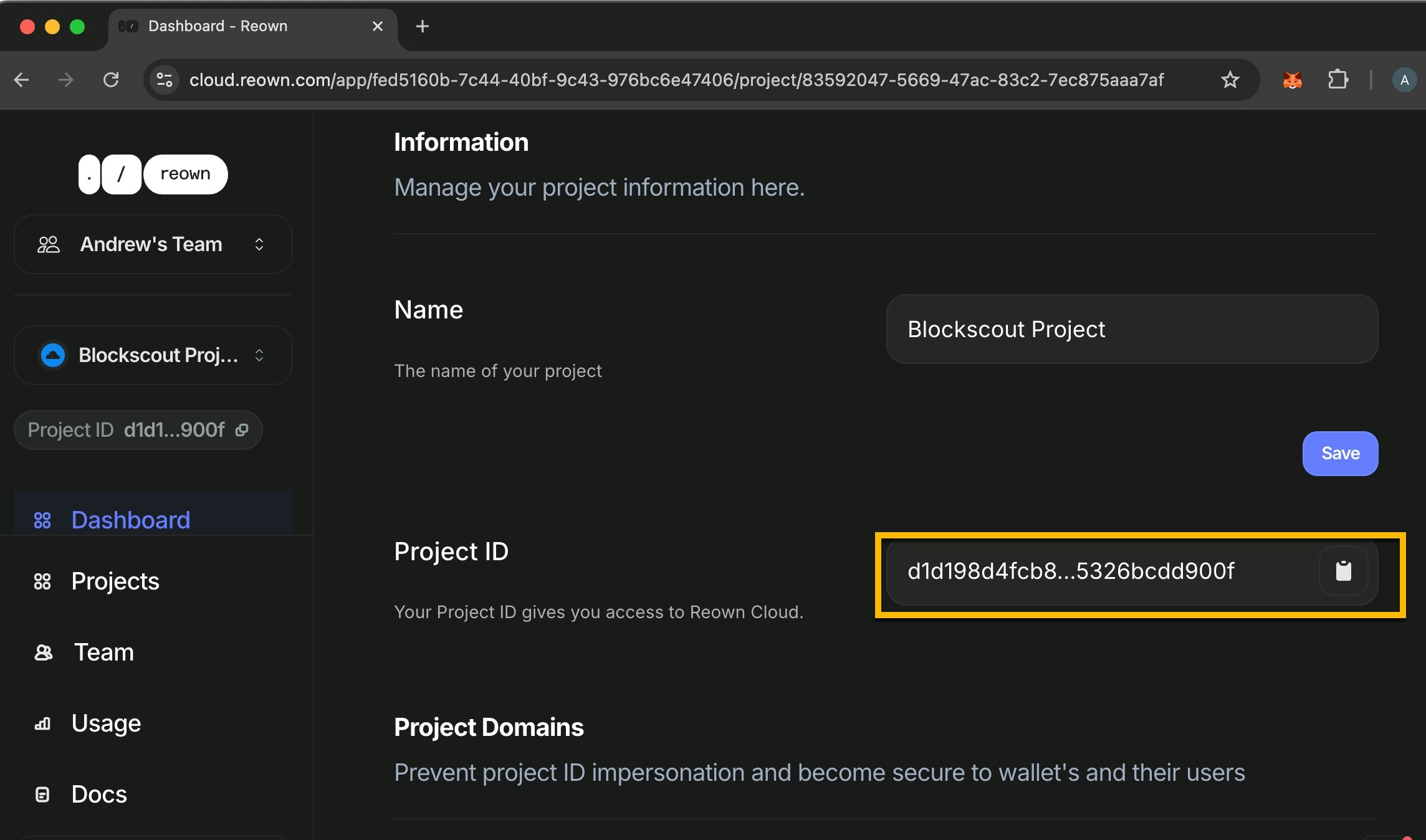
 7\) Copy your project ID and add in the ENV.
 ```javascript theme={null}
$ export NEXT_PUBLIC_WALLET_CONNECT_PROJECT_ID=54b4....8dd05
```
You Blockscout instance will now support the Reown Project ID for Contract Read and Write functionality. [-> See more front-end ENVs related to Blockchain and contract interaction](https://github.com/blockscout/frontend/blob/main/docs/ENVS.md#blockchain-interaction-writing-to-contract-etc).
```javascript theme={null}
$ export NEXT_PUBLIC_WALLET_CONNECT_PROJECT_ID=54b4....8dd05
```
You Blockscout instance will now support the Reown Project ID for Contract Read and Write functionality. [-> See more front-end ENVs related to Blockchain and contract interaction](https://github.com/blockscout/frontend/blob/main/docs/ENVS.md#blockchain-interaction-writing-to-contract-etc).