> ## Documentation Index
> Fetch the complete documentation index at: https://docs.blockscout.com/llms.txt
> Use this file to discover all available pages before exploring further.
# Overview
> Overview of Blockscout deployment via AWS Marketplace.
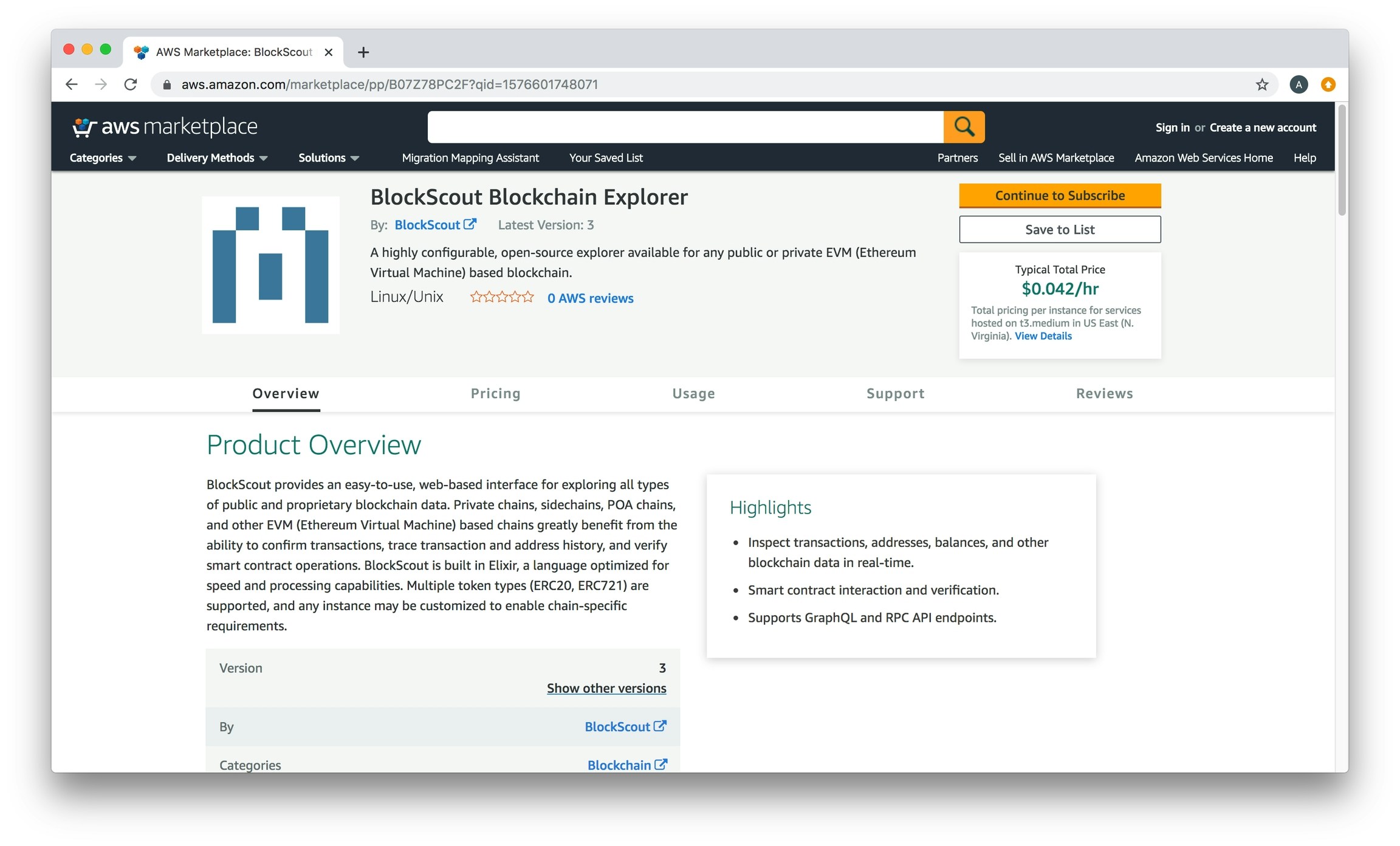
BlockScout on AWS Marketplace is available here: [https://aws.amazon.com/marketplace/pp/B07Z78PC2F?qid=1576601748071](https://aws.amazon.com/marketplace/pp/B07Z78PC2F?qid=1576601748071)
 ## Installation instructions
1. Check that you have the [necessary prerequisites](/setup/deployment/ansible-deployment/aws-marketplace/aws-marketplace-installation) (including an [accessible node running a blockchain](/setup/deployment/ansible-deployment/aws-marketplace/aws-ec2-archive-node-setup))
2. Follow the [install instructions](/setup/deployment/ansible-deployment/aws-marketplace/install-from-aws-marketplace)
3. Include [these parameters](/setup/deployment/ansible-deployment/aws-marketplace/aws-marketplace-installation#installation-parameters) during installation
4. Additional options include [updating your instance](/setup/deployment/ansible-deployment/aws-marketplace/updating-and-redeploying-in-aws) or [customizing the theme](/setup/deployment/ansible-deployment/aws-marketplace/customizing-css).
If you are deploying **without the marketplace**, see the [Ansible Deployment](/setup/deployment/ansible-deployment) section for deployment instructions to the AWS cloud using Terraform.
## Installation instructions
1. Check that you have the [necessary prerequisites](/setup/deployment/ansible-deployment/aws-marketplace/aws-marketplace-installation) (including an [accessible node running a blockchain](/setup/deployment/ansible-deployment/aws-marketplace/aws-ec2-archive-node-setup))
2. Follow the [install instructions](/setup/deployment/ansible-deployment/aws-marketplace/install-from-aws-marketplace)
3. Include [these parameters](/setup/deployment/ansible-deployment/aws-marketplace/aws-marketplace-installation#installation-parameters) during installation
4. Additional options include [updating your instance](/setup/deployment/ansible-deployment/aws-marketplace/updating-and-redeploying-in-aws) or [customizing the theme](/setup/deployment/ansible-deployment/aws-marketplace/customizing-css).
If you are deploying **without the marketplace**, see the [Ansible Deployment](/setup/deployment/ansible-deployment) section for deployment instructions to the AWS cloud using Terraform.