> ## Documentation Index
> Fetch the complete documentation index at: https://docs.blockscout.com/llms.txt
> Use this file to discover all available pages before exploring further.
# Main Menu
## V2 UI
*The following views are taken from the* [*Optimism Blockscout instance*](https://optimism.blockscout.com/)*.*
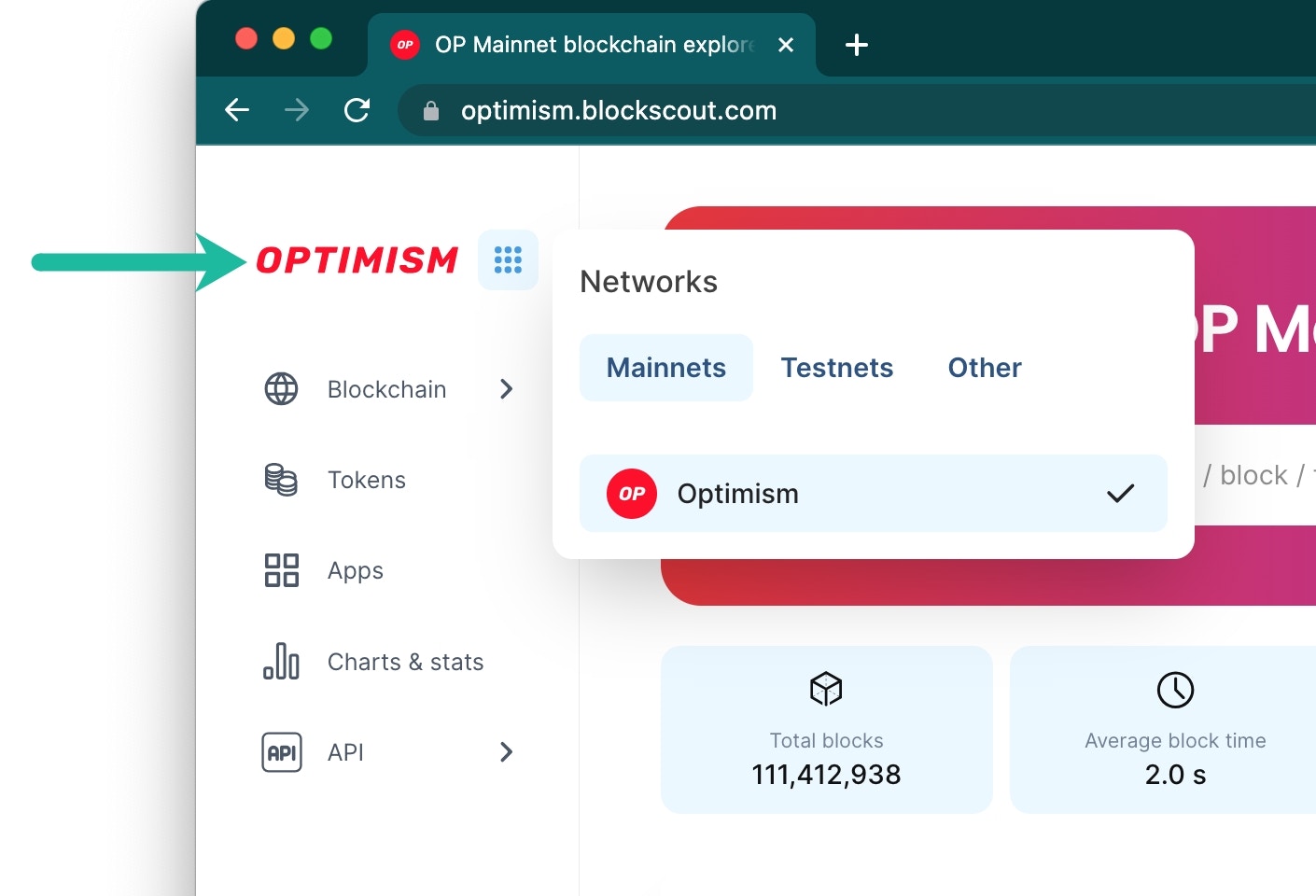
### Network Menu
Shows available Mainnet and Testnets.
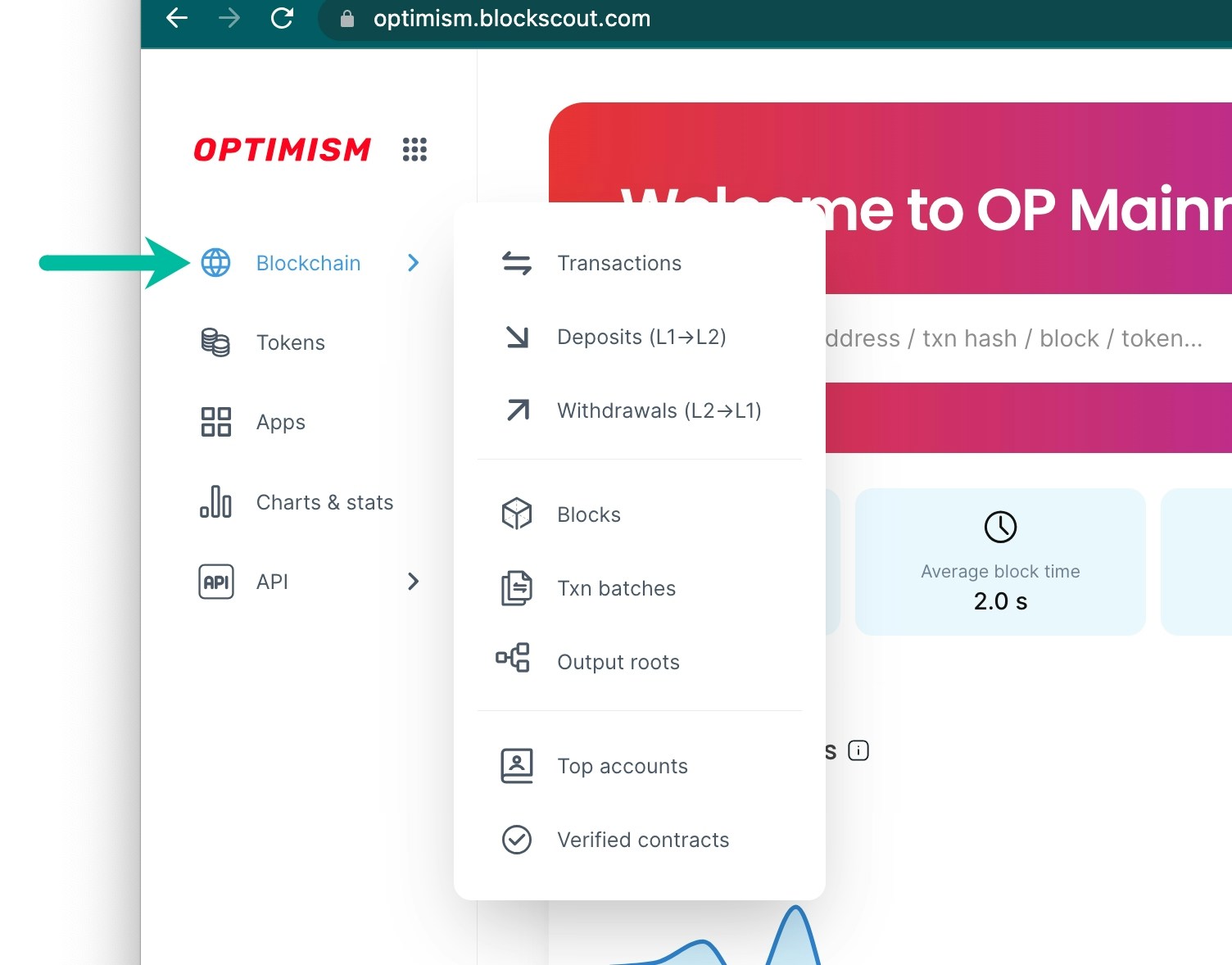
 ### Blockchain Menu
Access transactions, blocks, batches and L1 \<-> L2 data.
### Blockchain Menu
Access transactions, blocks, batches and L1 \<-> L2 data.
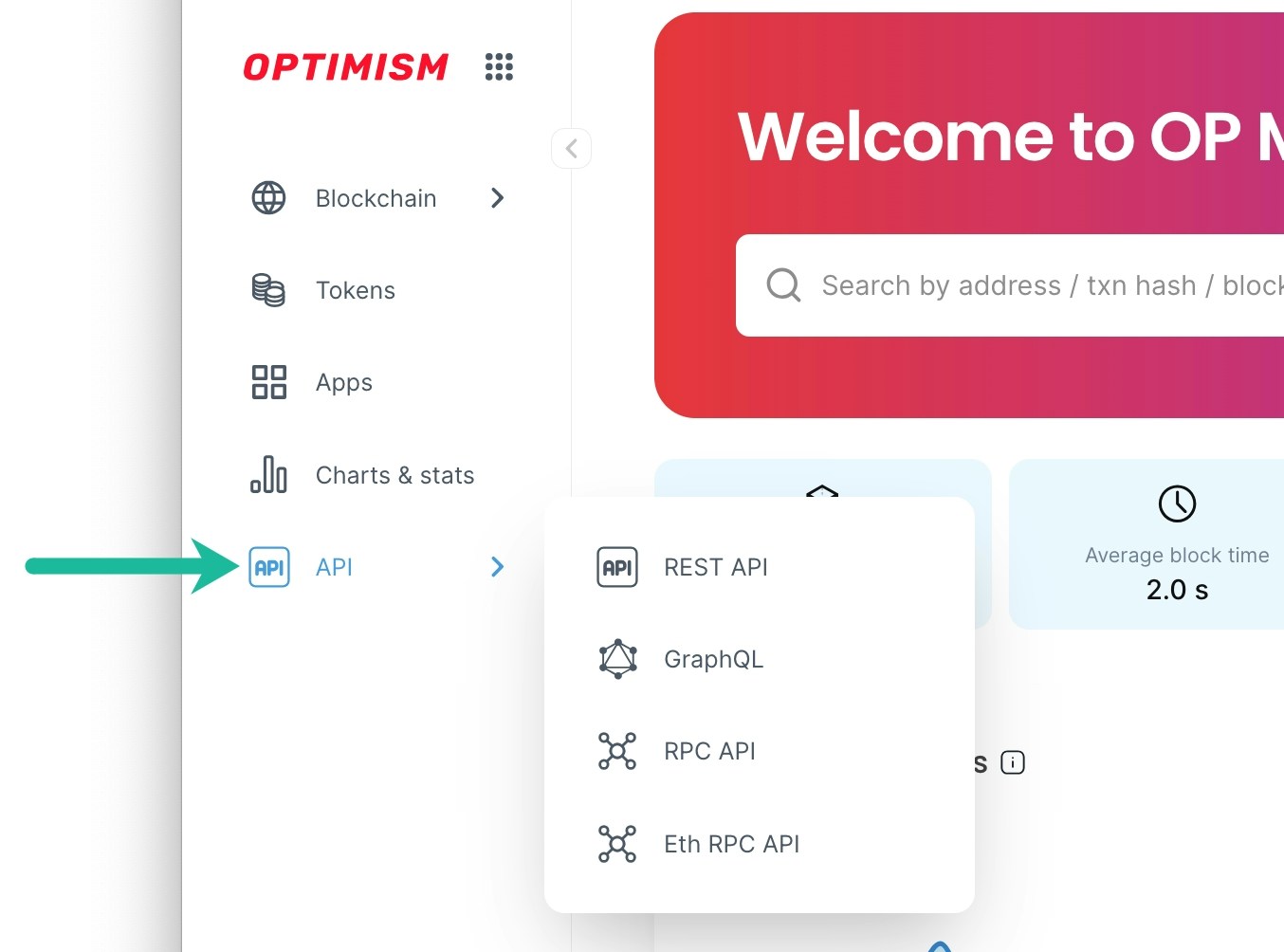
 ### API Menu
Access API information including the REST API which serves the v2 UI.
### API Menu
Access API information including the REST API which serves the v2 UI.