Where does Blockscout get token info (name, logo, description, links)?
Blockscout pulls token metadata from two sources:- Automated aggregators: Blockscout queries CoinGecko and CoinMarketCap for exchange rate and market data. Projects submit token info directly to CoinGecko, which requires a Public Verification Post from an account tied to the project’s official channels before reviewing listing or update requests. Blockscout displays what CoinGecko returns.
- Manual Submission: A Blockscout account is required to verify contract ownership. An account holder signs a message and can then submit information for a verified token contract (message must be signed by the same wallet that deployed the contract on chain). Token information is reviewed by Blockscout admins before it is added to the explorer page. Once verified, a user can submit additional information or update details. This means information can change later, so it is important to verify project information independently whenever interacting with a token contract.
Additional info on adding token details and processing is available here.
Does Blockscout require contract verification before updating token info?
Yes, Blockscout requires the token’s contract source code to be verified before it will accept owner-submitted updates to name, logo, website, or socials. This ensures the code shown publicly matches what’s actually deployed, and that only the real contract owner can update the listing. Blockscout’s Verified Addresses feature:- Verify the contract’s source code.
- Sign in to My Account and prove ownership of the address, either by signing a message from the contract’s owner wallet or via multisig signer verification.
- Once ownership is verified, the address is listed under Verified Addresses in the account, and the owner can update token info directly without re-verifying each time.
What should a project do if their token info is wrong on Blockscout?
- If the token is tracked on CoinGecko: submit the correction directly to CoinGecko. Blockscout will reflect it automatically once CoinGecko’s data updates.
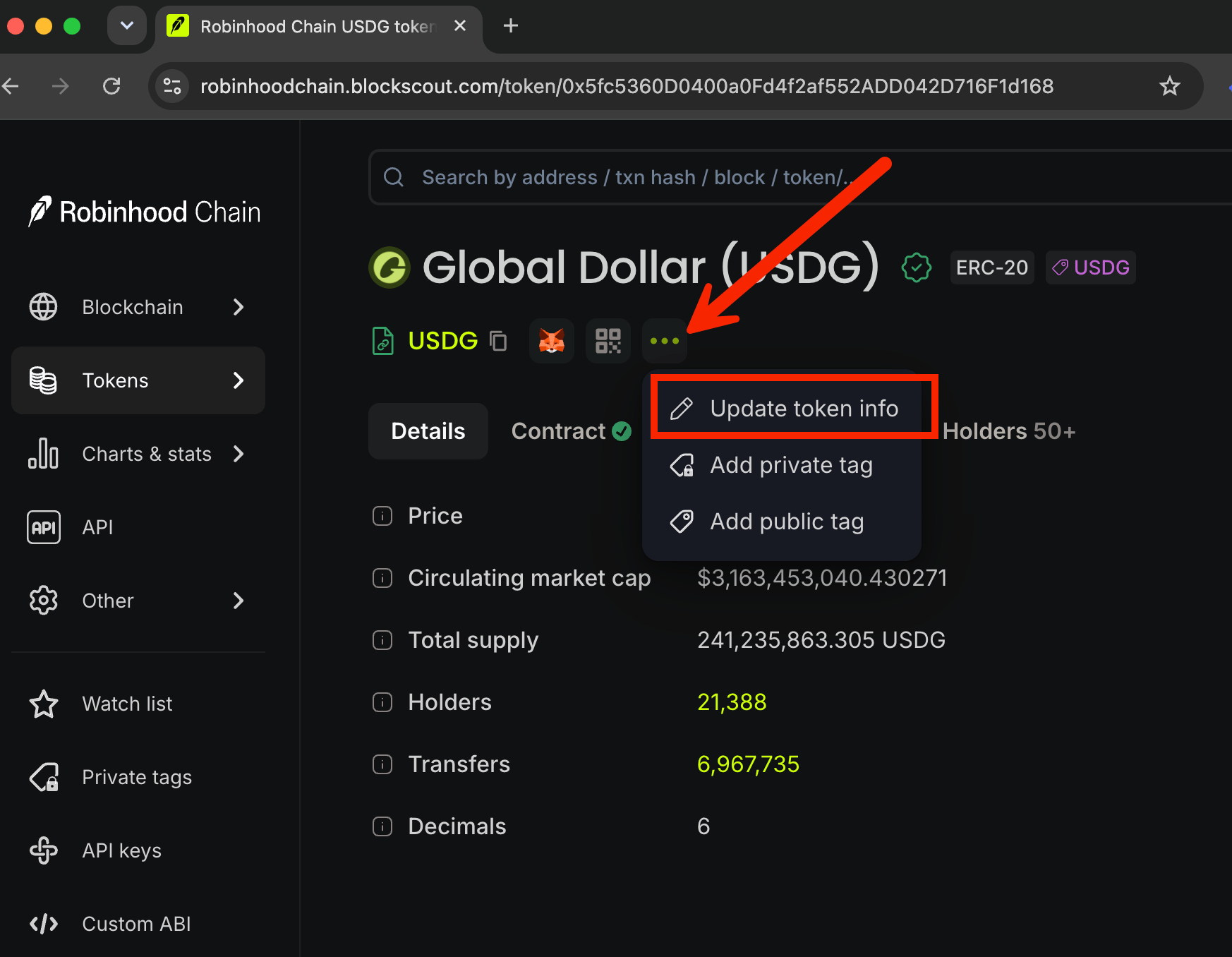
- If the token isn’t on CoinGecko, or the fix is logo/description/links: Update through the Blockscout interface.
- To update on Blockscout, log in to your account, go to Update token info, and follow the prompts.